

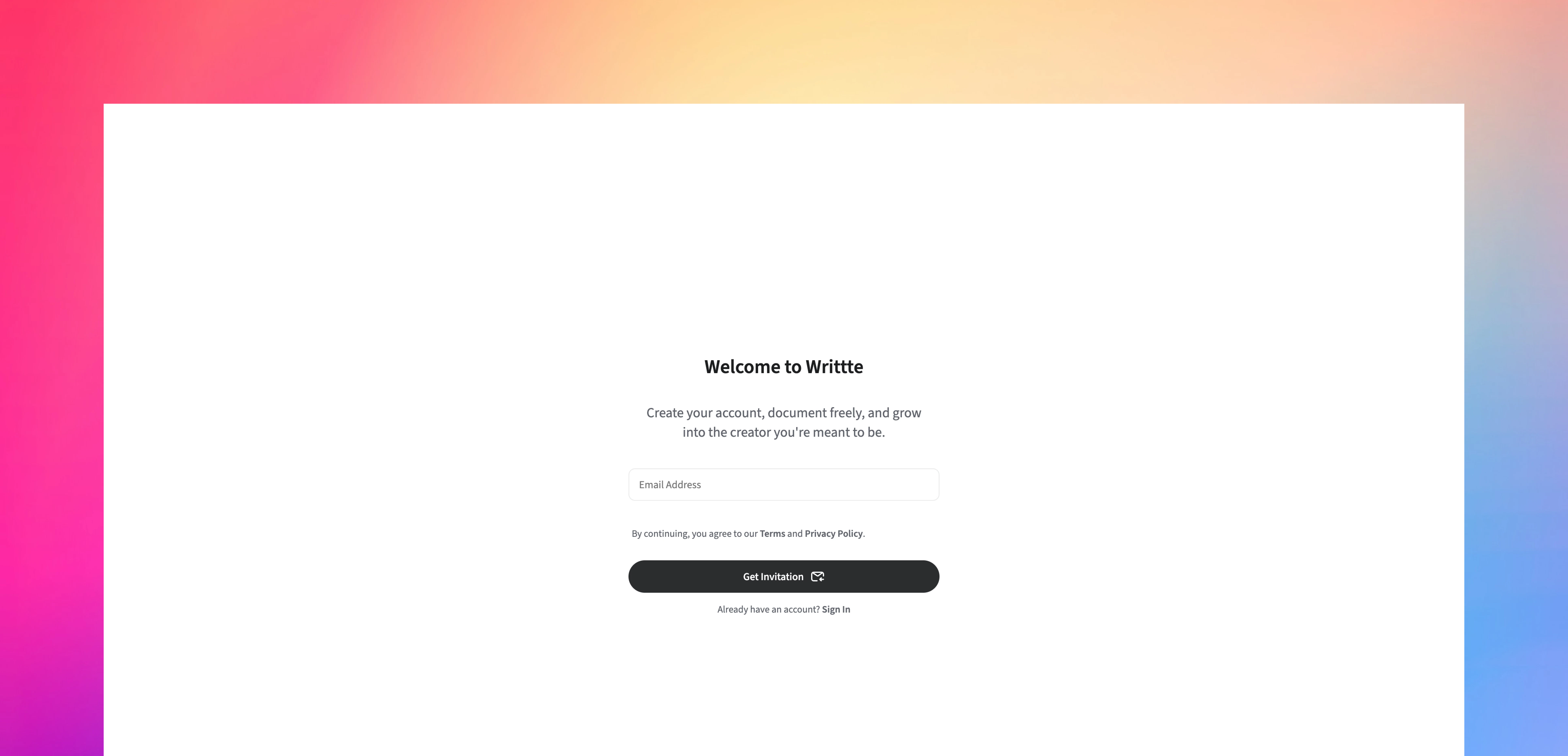
- Request an invitation by submitting your email address
- Verify your email by clicking the link we send you
- Complete registration by providing your name and password
Request an Invitation
- Go to the Sign Up page on Writtte
- Enter your email address in the form
- Click Submit
The invitation link is valid for 15 minutes. If it expires before you use it, simply request a new one from the Sign Up page.
Verify your email
- Open your email inbox and look for the message from Writtte
- Open the email
- Click the Accept Invitation button
- Check your spam or junk folder
- Make sure you entered your email address correctly
- Wait a few minutes, as email delivery can sometimes be delayed
- Request a new invitation if the link expired
Complete registration
After clicking the invitation link, you will see a registration form. Fill in the following details:
- Name: Enter your full name or the name you want to use in Writtte
- Password: Create a strong password that meets these requirements:
- Between 8 and 128 characters
- At least one uppercase letter
- At least one lowercase letter
- At least one number
- At least one special character:
@$!%*?&-_. ,;:()[]{}<>+=
- Confirm password: Re-enter your password to make sure it matches